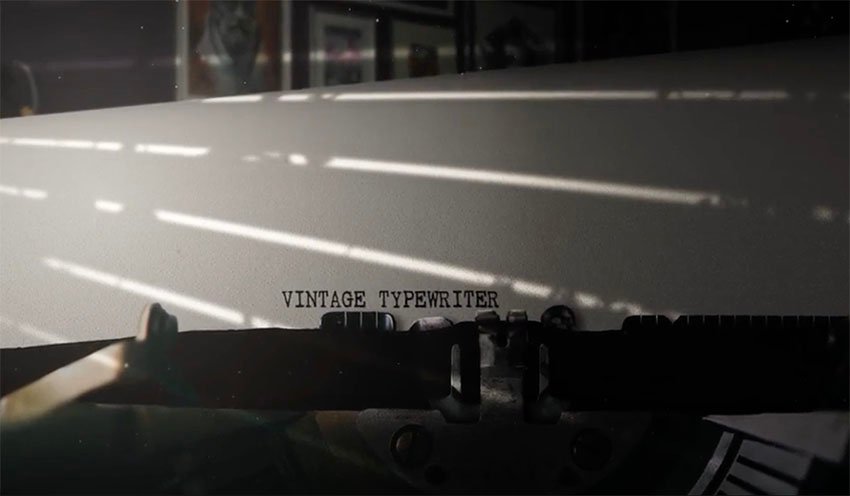
If you love the retro look of the typewriter font and are looking for cool templates for After Effects that carry that iconic text, then you’re in the right place. Today we’ll share ten premium typewriter text templates for After Effects, all available from Envato Elements and Envato Market. Top Typewriter Text Templates for After Effects… Continue reading 8 Top Typewriter Text Templates for After Effects
Tag: Auto
Sony unveils a new way to protect images from theft, manipulation
Sony Sony has a new anti-forgery feature coming to the a7 IV mirrorless camera that adds a crypto signature to images as soon as they’re shot to prevent duplication or manipulation. It’s designed for corporate customers, so don’t expect your holiday snaps to be getting digitally signed any time soon. Still, it’s an interesting idea… Continue reading Sony unveils a new way to protect images from theft, manipulation
For the film lover: How to choose your camera and film type
In 2017, Kodak brought back Ektachrome color-positive film; in 2018, they revived T-Max P3200 B&W film. In 2019, FujiFilm announced they’d bring back black and white film, launching Neopan 100 Acros II in both 35mm and 120 formats. And this year, Kodak brought back the 120 version of Gold 200. It’s safe to say that… Continue reading For the film lover: How to choose your camera and film type
New gear: Sigma 20mm & 24mm f/1.4 full-frame primes
The new lenses will be available in E- and L-mount. Sigma You can start your week with some good news if you’re in the market for a wide-angle lens and shoot a full-frame E-mount or L-mount camera: Sigma has just announced two new Art-series, wide-angle primes—the Sigma 20mm f/1.4 DG DN and Sigma 24mm f/1.4… Continue reading New gear: Sigma 20mm & 24mm f/1.4 full-frame primes
How to Process Raw Photos With Filmulator (Free for Windows and Linux)
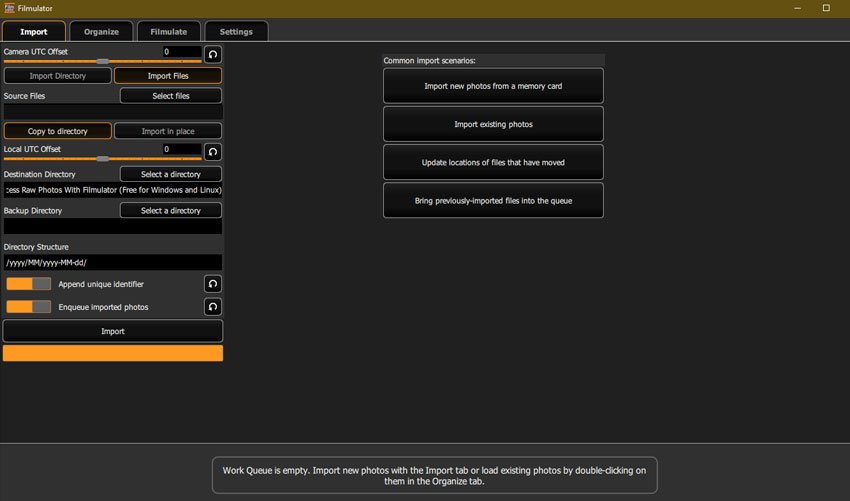
Filmulator is an open-source raw photo editor based around the filming developing process, with a library management feature to help you organise your photographs. It’s free and available for both Windows and Linux users. Here, we’ll take a look at its main features and walk you through how to edit your images. How to Process… Continue reading How to Process Raw Photos With Filmulator (Free for Windows and Linux)
How to Use Use Auto-Reframe to Crop Your Video in Premiere Pro

In this lesson from David Bode’s FREE Ultimate Premiere FAQ course, you’re going to learn how to use Auto-Reframe to reframe your videos for different aspect ratio outputs. Varying Video Formats 1920 by 1080 is a pretty standard size for videos, but with the popularity of social media, both vertical and square videos have become… Continue reading How to Use Use Auto-Reframe to Crop Your Video in Premiere Pro
How to Use the Essential Sound Panel to Edit Dialogue in Premiere Pro

In this lesson from David Bode’s FREE Ultimate Premiere FAQ course, you’re going to learn about the Essential Sound panel and how you can use it to punch up and clean up your dialogue for better mixes. To address your audio issues in Premiere Pro, you going to use the Essential Sound panel to fix issues with… Continue reading How to Use the Essential Sound Panel to Edit Dialogue in Premiere Pro
Here’s your chance to beta test a brand-new half-frame film camera
The new Alfie TYCH offers both automatic and fully manual shooting modes. Alfie Cameras UK startup Alfie Cameras is looking for beta testers for the Alfie TYCH, its under-development half-frame 35mm film camera, ahead of a planned Kickstarter launch this September. If you’re game to provide feedback on a weird and wacky new film camera,… Continue reading Here’s your chance to beta test a brand-new half-frame film camera
How to Build a Basic Photo Post-Processing Workflow With Adobe Camera Raw
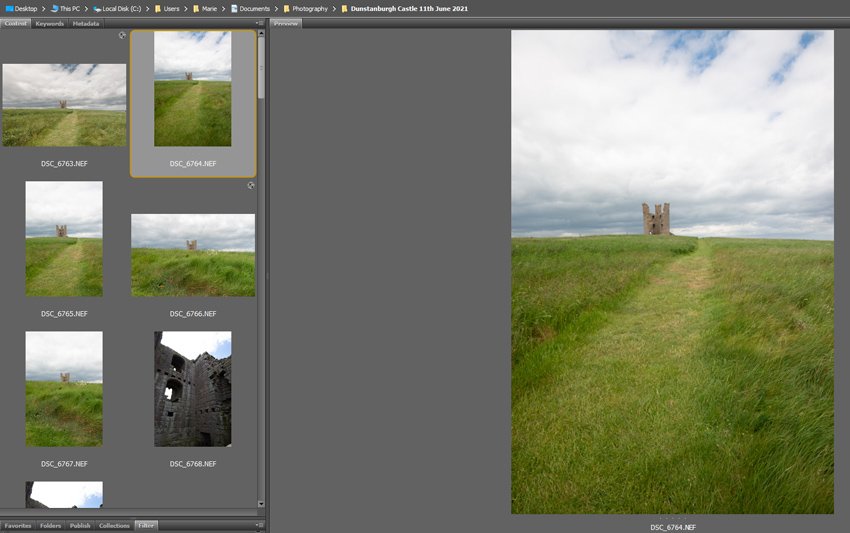
Photographing in RAW format gives you the best options for your post-processing as it’s retaining all the information from when you took the image. Due to that, though, RAW files have a large file size and look a little flat, so they might require a little more ‘post-shoot’ thought than some other formats. Here, we’ll… Continue reading How to Build a Basic Photo Post-Processing Workflow With Adobe Camera Raw
How to Use the Essential Sound Panel for SFX and Ambience in Premiere Pro
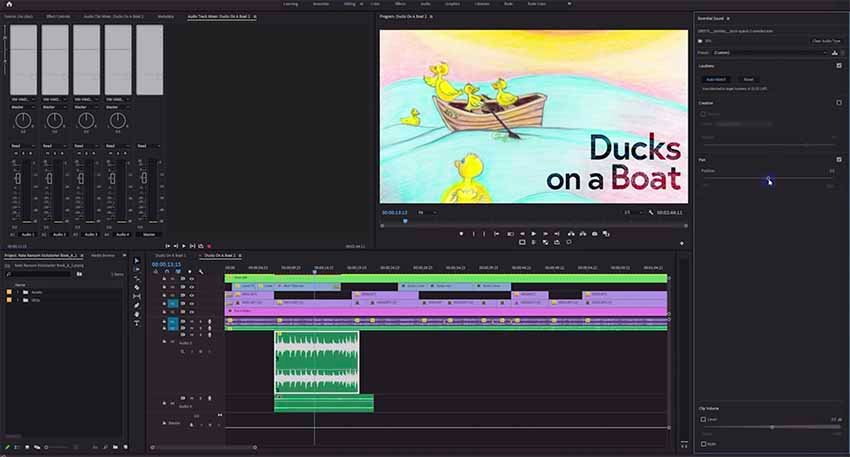
In this lesson from David Bode’s FREE Ultimate Premiere FAQ course, you’re going to learn how to use the Essential Sound panel to deal with sound effects and ambience. SFX To edit your sound effects, start by highlighting them and tagging them with SFX in the Essential Sound panel. Loudness Next, work your way through the… Continue reading How to Use the Essential Sound Panel for SFX and Ambience in Premiere Pro