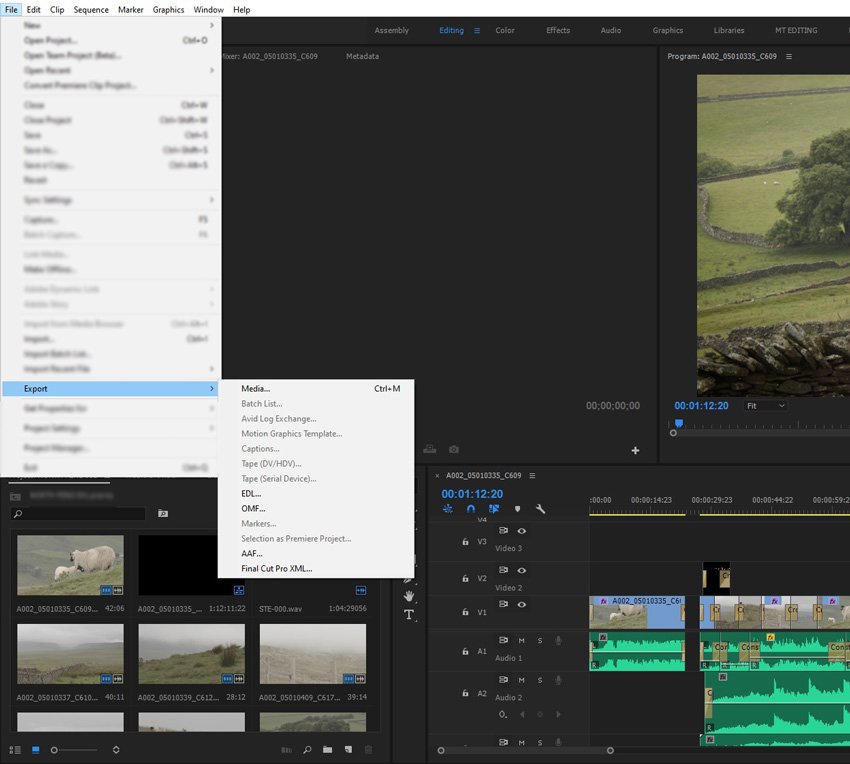
It might sound a little odd to move a project from one editing suite to what could be considered its biggest rival, but many are finding they want to send Premiere Pro projects to DaVinci Resolve, so in this article we’ll take a look at why and how you can do that. Resolve vs. Premiere… Continue reading How to Send Premiere Pro Projects to DaVinci Resolve
Tag: lips
How to Use the Essential Sound Panel for Music in Premiere Pro

In this lesson from David Bode’s FREE Ultimate Premiere FAQ course, you’re going to learn how to use the Essential Sound panel to help you to mix and balance music against dialogue, sound effects, ambience, and more. Music Start by selecting your music track and tagging it as music in the Essential Sound panel. Presets… Continue reading How to Use the Essential Sound Panel for Music in Premiere Pro
How to Add Graphics and Overlays to Live Video With Open Broadcaster (OBS)

Open Broadcast Software Studio, or OBS for short, is the ‘go to’ software for quick and easy, free (and open-source) broadcasting and streaming. The interface is simple to use and allows you to customise your video with graphics—it’s a great tool to add polish and professionalism to your broadcast. Let’s take a look at a… Continue reading How to Add Graphics and Overlays to Live Video With Open Broadcaster (OBS)
How to Send Audio to Audition for Editing From Premiere Pro

In this lesson from David Bode’s FREE Ultimate Premiere FAQ course, you’re going to learn how to round trip your audio from Premiere to Adobe Audition and back to Premiere in a seamless way. Moving Your Project to Audition Adobe Audition is a great option when you need to do much more intensive audio work… Continue reading How to Send Audio to Audition for Editing From Premiere Pro
How to Mix Audio With Effects in Premiere Pro

In this lesson from David Bode’s FREE Ultimate Premiere FAQ course, you’re going to learn about some of the newer audio effects available in Premiere Pro to make your projects sound great. Audio Track Mixer The Audio Track Mixer is a great tool for editing your audio tracks. To bring up that Audio Track Mixer, go to… Continue reading How to Mix Audio With Effects in Premiere Pro
2022 fall trends to start shooting now!
With the back-to-school season on the horizon, and the fall and winter holidays arriving shortly thereafter, we’re entering a busy time for retail and marketing. What’s more, research from McKinsey indicates that more consumers in the US are trying new brands than they did in 2020 and 2021, meaning that companies and advertisers will have… Continue reading 2022 fall trends to start shooting now!
How to Edit 4K Single-Camera Interview Video in Premiere Pro

In this Premiere Pro tutorial from David Bode’s free Ultimate Premiere FAQ course, you’ll learn how to create and edit multiple cameras from a single camera shot. This is a fast and fun way to edit interviews, especially. Advantages of High-Resolution Files These days, cameras can record at very high resolutions, like Cinema 4K, but… Continue reading How to Edit 4K Single-Camera Interview Video in Premiere Pro
3 Top Product Promo Templates for DaVinci Resolve
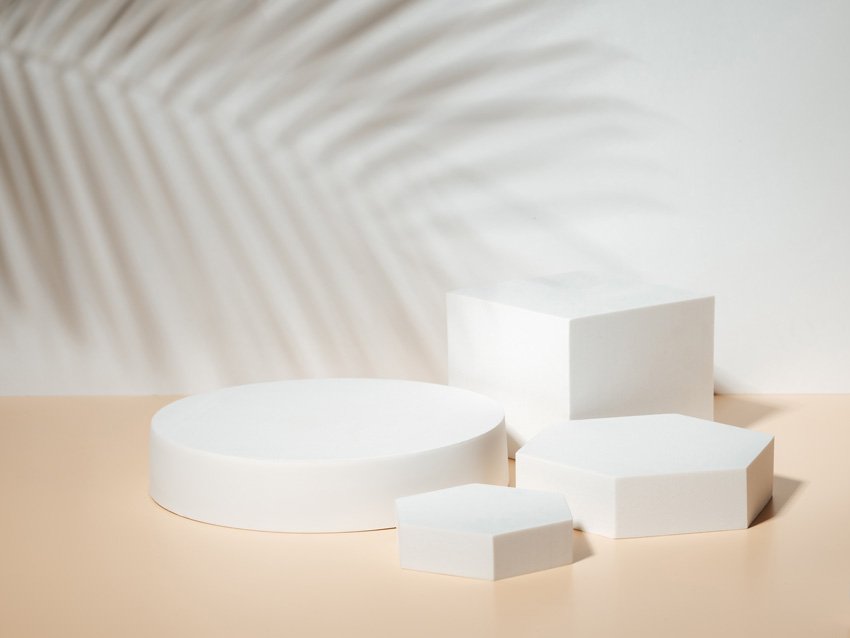
If you want to promote your product with a video, then you need to make sure it looks professional and catches your customer’s eye. Let us help with some of our favourite templates for product promo for DaVinci Resolve. Podium mockup – available from Envato Elements 3 Top Product Promo Templates for DaVinci Resolve Check… Continue reading 3 Top Product Promo Templates for DaVinci Resolve
Just look up: Reader-submitted sky and space Photos of the Day
Delfino Ramirez We’ll admit, we’ve been pretty spacey around here lately—but not in the actual sense of the word. Between the James Webb Space Telescope’s first enthralling images and a rare planetary alignment, we’ve been spoiled by photographs that are out-of-this-world. And that’s why a theme about sky and space seemed fitting. This week’s winners… Continue reading Just look up: Reader-submitted sky and space Photos of the Day
How to Use Dynamic Link to Share Projects Between Premeire Pro and After Effects

In this lesson, you will learn how to use Adobe’s dynamic link feature to get your project or even parts of your project over to After Effects for additional graphics, animation, colour correction, grading, and more. Adobe Dynamic Link Adobe Dynamic Link is found under the File menu. With Dynamic Link, you can: Create a… Continue reading How to Use Dynamic Link to Share Projects Between Premeire Pro and After Effects