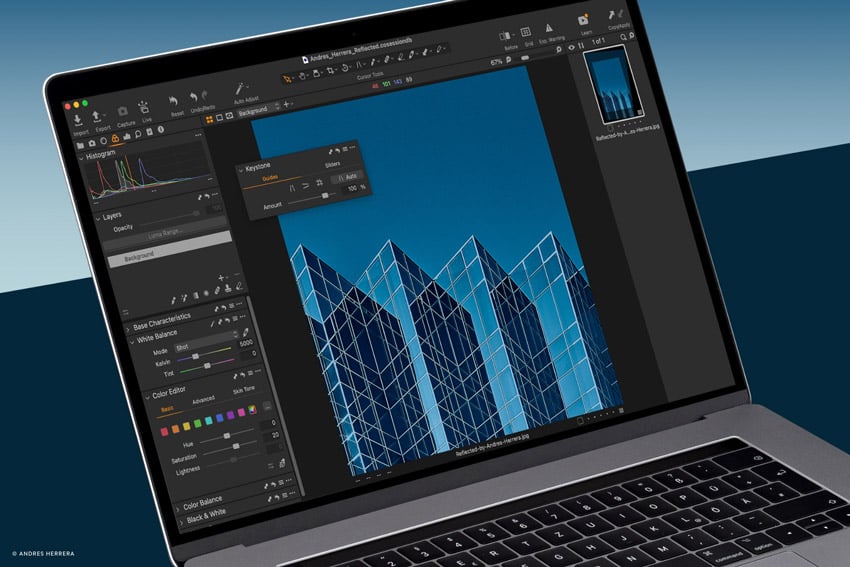
It’s no surprise that many people, including professional photographers, want subscription-free software. New to photography or not, whether it’s for cost, long-term stability, or alternative features, there are some great Windows photography programmes worth considering. In this article we take a closer look at a few of the best, including free options. Especially if you… Continue reading 12 Top Photo Programs for Windows: Best Non-subscription and Free Apps for Photographers
Tag: Lightroom
How to Create a Colour Grade for Film Stills in Adobe Camera Raw and Export It

Many film cameras are not designed to be great at stills. The Blackmagic Pocket Cinema Camera is an amazing, well-priced camera for movie making, but the quality of its dedicated stills isn’t the best. Even so, you may find you need to grade a film still for demonstrative purposes, as part of a development session,… Continue reading How to Create a Colour Grade for Film Stills in Adobe Camera Raw and Export It
How to Use Focal Length and Field-of-View to Compose Photographs

If you’re a photographer and you’d like to know more about lenses, then you’ll love this lesson taken from our free course, What Every Photographer Should Know About Lenses. Focal Length and Field-of-View The basic description of a photographic lens is focal length, because this determines how much of the world in front of your… Continue reading How to Use Focal Length and Field-of-View to Compose Photographs
Sync Presets From Lightroom Classic to Lightroom Mobile

Developing an aesthetic that’s uniquely your own is so important to the overall feel of your photography. Presets are such simple and powerful tools to help you achieve consistency across your images. In this tutorial, you’ll learn how to take the presets you’ve downloaded or created on your laptop or desktop version of Adobe Lightroom… Continue reading Sync Presets From Lightroom Classic to Lightroom Mobile
The state of AI in your favorite photo editing apps
ON1’s forthcoming Super Select AI feature automatically detects various subjects/elements in an image, allowing user to quickly create a mask. ON1 Artificial Intelligence (AI) technologies in photography are more widespread than ever before, touching every part of the digital image-making process, from framing to focus to the final edit. But they’re also widespread in the… Continue reading The state of AI in your favorite photo editing apps
How to Process Photos That Used a Flash

In this portrait photography post-production tutorial, I’m going to show you how I post-produce my images in Adobe Lightroom. I’ve been using Lightroom since version 1, many, many years ago. Back then, Lightroom didn’t do a whole lot, so I did most of my post-production work in Photoshop. But every new release of Lightroom has… Continue reading How to Process Photos That Used a Flash
How to Sync Photos From Lightroom Mobile to Lightroom Classic for Editing
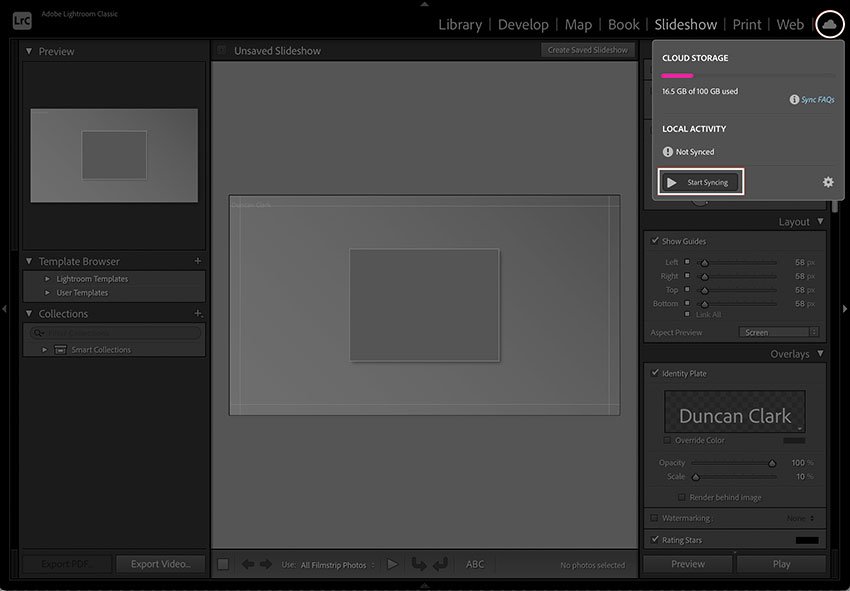
Lightroom Mobile has a fantastic array of editing options, but if you want to get into the nitty gritty and do a more comprehensive edit, or you simply prefer editing on a bigger screen than your phone, syncing your images in the Lightroom ecosystem is the way to go. In this tutorial, you’ll learn how… Continue reading How to Sync Photos From Lightroom Mobile to Lightroom Classic for Editing
How to Post to Instagram From Lightroom Mobile
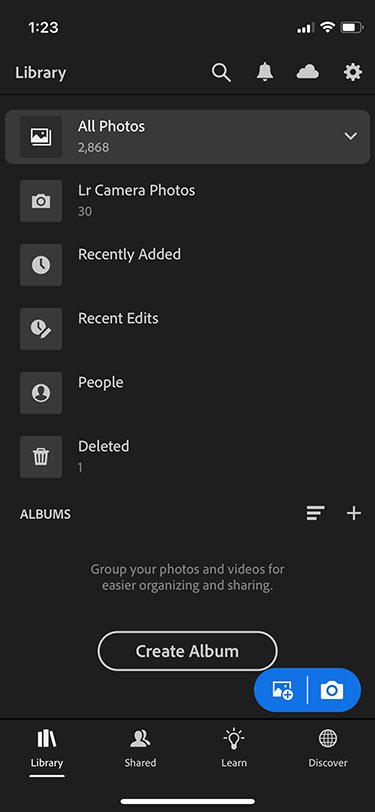
What good is a photograph if it’s not shared? And what good is a mobile app that doesn’t allow you to share it? The answer is: no good. Lightroom Mobile allows you to take a picture, edit it to your heart’s desire, and then share it to Instagram without ever leaving the app—or your mobile… Continue reading How to Post to Instagram From Lightroom Mobile
How to Use Edit Presets on Photos in Lightroom CC

The editing presets in Adobe Lightroom CC are extremely helpful to use for two main reasons: They offer a recipe of visual aesthetics, or presets, for you to try out on an image. They show how the controls in the editing panel change to achieve each preset, so you’re able to learn how to achieve… Continue reading How to Use Edit Presets on Photos in Lightroom CC
Retouch4Me is a suite of Plugins that use AI to retouch your photos in the blink of an eye

It seems like you can’t go a day without hearing about AI lately. It’s well and truly becoming a regular part of our lives, and of course, features in several Photoshop and Lightroom features and plug-ins now. So of course, it wasn’t going to be long before other companies started developing AI to help with… Continue reading Retouch4Me is a suite of Plugins that use AI to retouch your photos in the blink of an eye