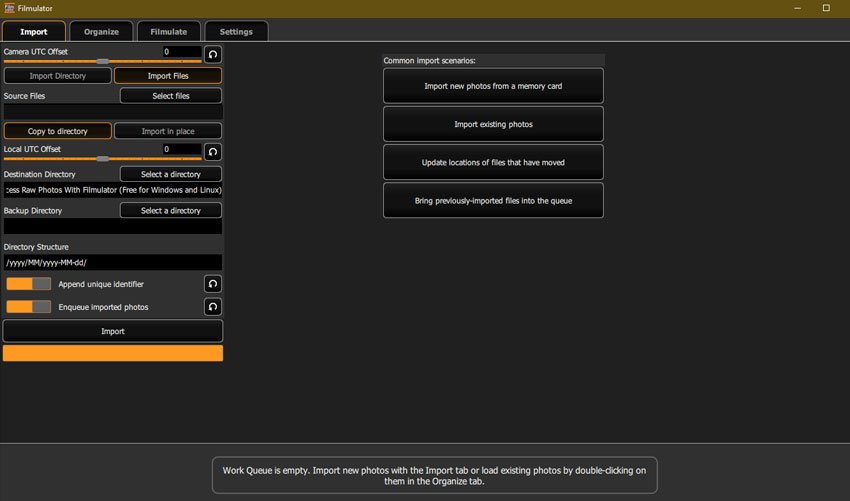
Filmulator is an open-source raw photo editor based around the filming developing process, with a library management feature to help you organise your photographs. It’s free and available for both Windows and Linux users. Here, we’ll take a look at its main features and walk you through how to edit your images. How to Process… Continue reading How to Process Raw Photos With Filmulator (Free for Windows and Linux)
Tag: detail
100 Free Photoshop Actions (And How to Make Your Own)
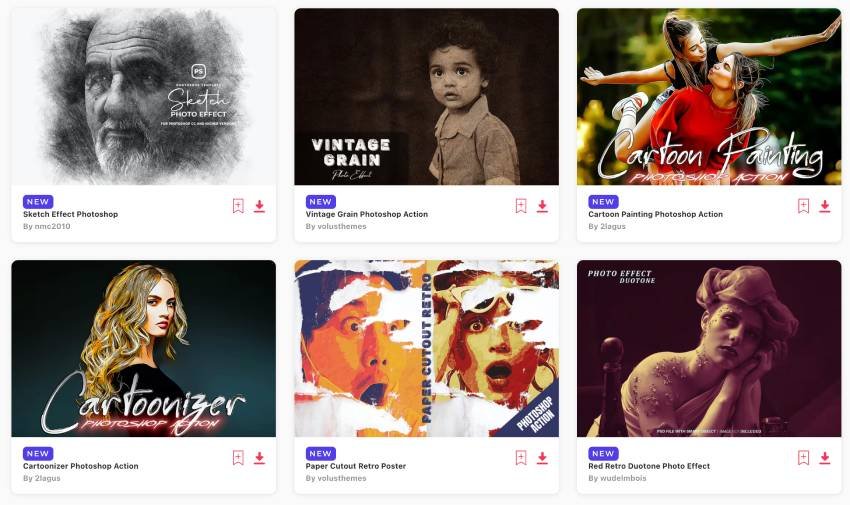
Photoshop actions capture all of the steps needed to transform a file and let you apply them with just one click. And with a single click, you can take the creative photo effect and workflow steps from another artist and add them to your own picture, creating everything from improved portraits to radically altered double-images. … Continue reading 100 Free Photoshop Actions (And How to Make Your Own)
Webb’s latest ‘distant star’ photo is actually… a slice of chorizo
Distant star or yummy snack?. Étienne Klein The James Webb Space Telescope (JWST) has been sending home some pretty spectacular photos lately, from cartwheeling galaxies to the “Cosmic Cliffs” of the Carina Nebula. So when French scientist Étienne Klein tweeted a photo of the JWST’s latest work, the Internet was excited to embrace it. Unfortunately,… Continue reading Webb’s latest ‘distant star’ photo is actually… a slice of chorizo
How to Make a Swoon-Worthy Facebook Shop
Want to know how to make a Facebook shop? Find all the requirements and details you need to get the ball rolling. The post How to Make a Swoon-Worthy Facebook Shop appeared first on The Shutterstock Blog.
How to Build a Basic Photo Post-Processing Workflow With Adobe Camera Raw
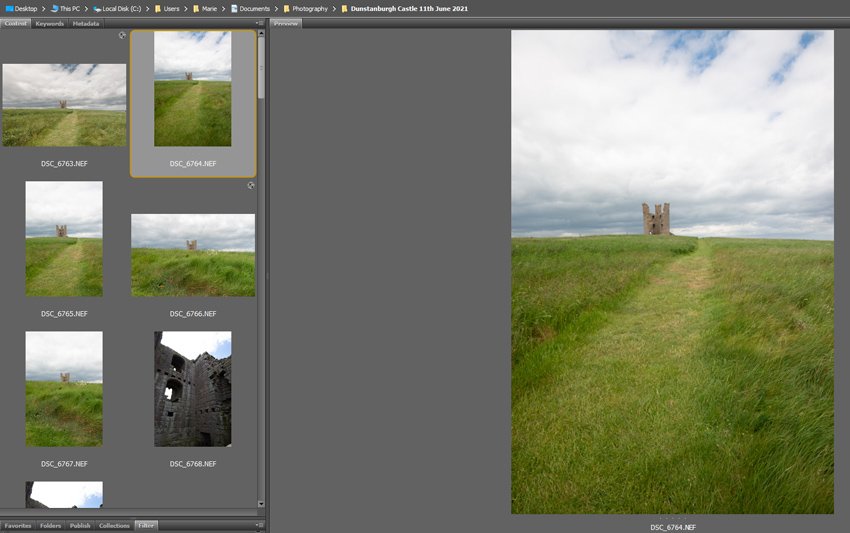
Photographing in RAW format gives you the best options for your post-processing as it’s retaining all the information from when you took the image. Due to that, though, RAW files have a large file size and look a little flat, so they might require a little more ‘post-shoot’ thought than some other formats. Here, we’ll… Continue reading How to Build a Basic Photo Post-Processing Workflow With Adobe Camera Raw
VAULT Creator Highlight with Sam Brockway
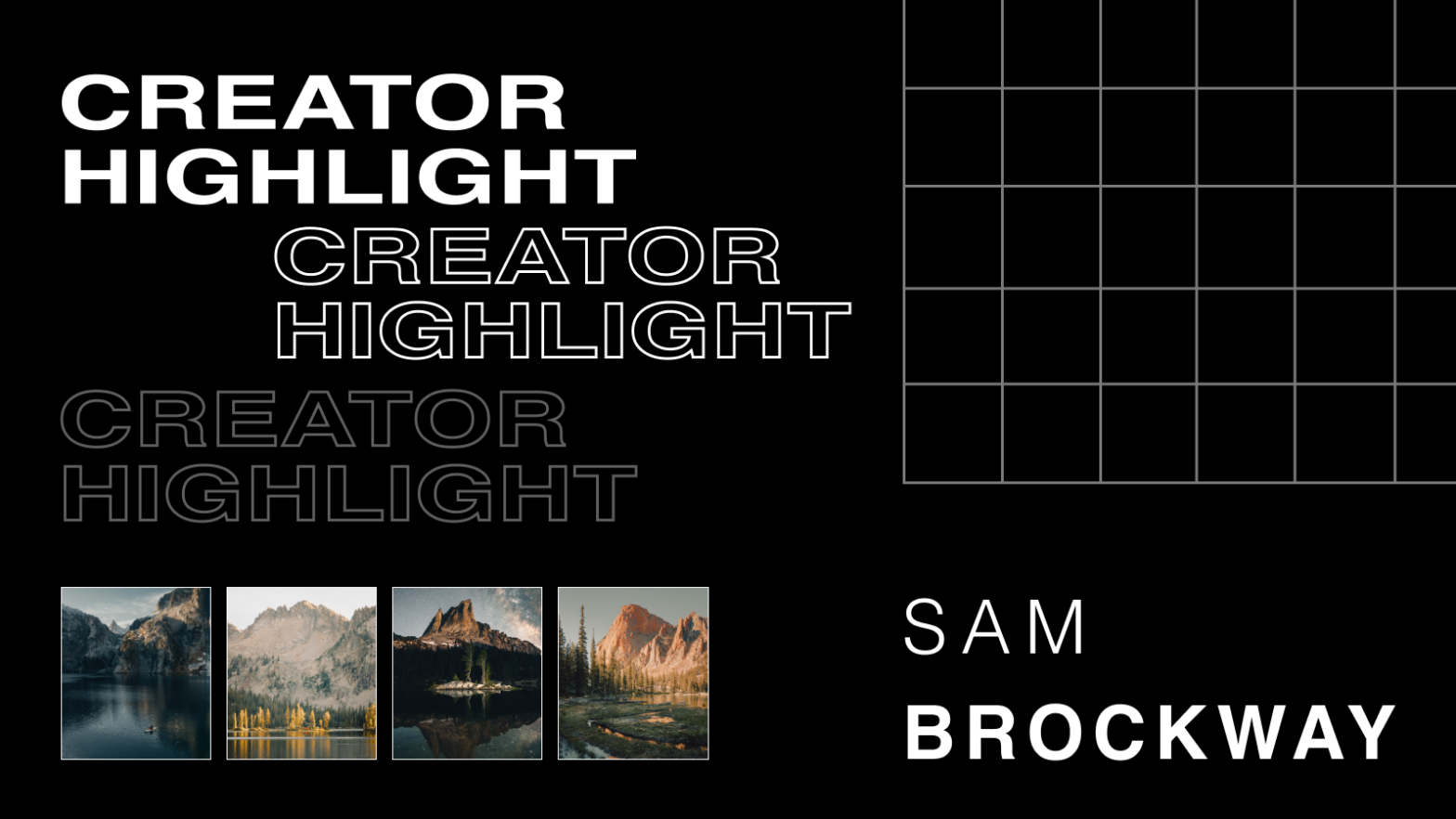
VAULT is an NFT space created by creators for creators, your go-to place for high-quality, curated, digital art from top creators around the globe. The VAULT highlight series focuses on the creators that are part of our NFT Community. This week we are excited to introduce you to Sam Brockway. A travel photographer based out… Continue reading VAULT Creator Highlight with Sam Brockway
The Photographer’s Guide to Finding Models on Model Mayhem
Searching for a model can be frustrating for photographers who are planning a photoshoot. Finding models on Model Mayhem is a simple solution to this problem, but only if you know how Model Mayhem works. You’ll need to know the best way to connect with models who meet your specifications while avoiding common pitfalls. Our… Continue reading The Photographer’s Guide to Finding Models on Model Mayhem
How to Send Premiere Pro Projects to DaVinci Resolve
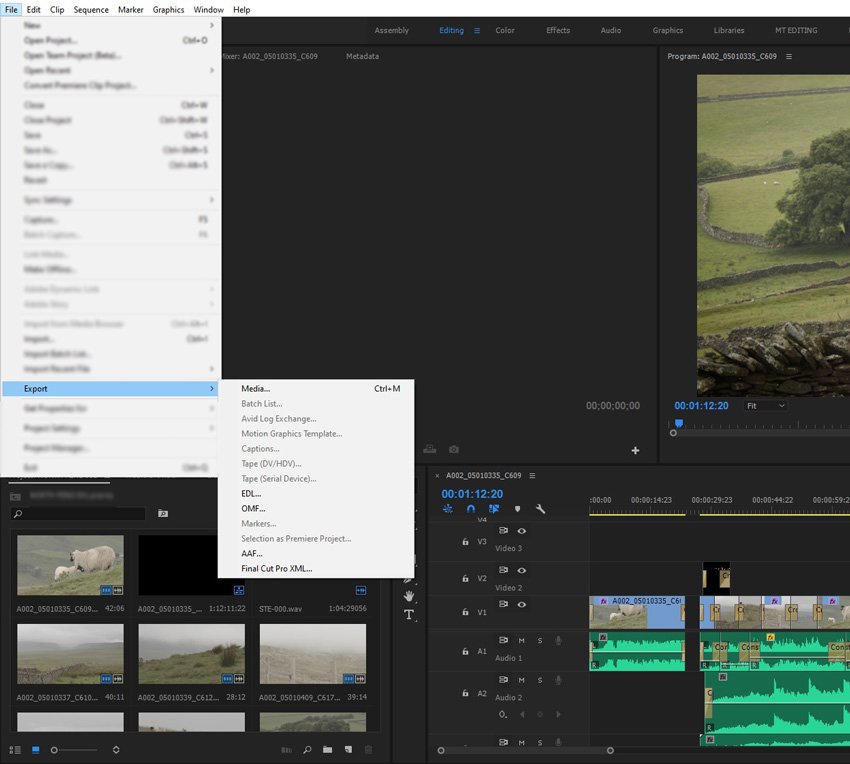
It might sound a little odd to move a project from one editing suite to what could be considered its biggest rival, but many are finding they want to send Premiere Pro projects to DaVinci Resolve, so in this article we’ll take a look at why and how you can do that. Resolve vs. Premiere… Continue reading How to Send Premiere Pro Projects to DaVinci Resolve
OBS Quick Start: How to Create Live Video for Free With Open Broadcaster Software Studio

Open Broadcaster Software Studio (OBS Studio, or often just OBS) is an open-source program that is a fast way to get into live video streaming. Plus OBS Studio is free. Streaming Software When you live stream, you need either a software or hardware encoder to convert your audio and video into a format that can… Continue reading OBS Quick Start: How to Create Live Video for Free With Open Broadcaster Software Studio
How to Add Graphics and Overlays to Live Video With Open Broadcaster (OBS)

Open Broadcast Software Studio, or OBS for short, is the ‘go to’ software for quick and easy, free (and open-source) broadcasting and streaming. The interface is simple to use and allows you to customise your video with graphics—it’s a great tool to add polish and professionalism to your broadcast. Let’s take a look at a… Continue reading How to Add Graphics and Overlays to Live Video With Open Broadcaster (OBS)